

Project requirements
What we need to start a visualisation: the model or the drawings, the materials, a few references, and what the images are for. Send what you have — we tell you within a day whether anything is missing.
- 01
3D model
The model of the project in any of these formats:
- .pla (ArchiCAD)
- .ifc
- .rvt (Revit)
- .skp (SketchUp)
- .3ds / .max
- .fbx
- .obj
No 3D model? We build it from the drawings — it takes a little longer and is quoted once.
- 02
Architectural drawings
The latest available set, as PDF or DWG:
- Floor plans
- Elevations
- Sections
- Site / master plan
- Roof plan
- Kitchen drawings
- Electrical plans (for lighting positions)
Dimensions on the plans matter more than the file format — a dimensioned PDF beats an unscaled DWG.
- 03
Materials and finishes
Whatever exists about the surfaces, inside and out:
- Exterior materials (facade, roof, balconies)
- Interior finishes
- Flooring
- Walls and ceilings
- Windows and doors
- Furniture and fixtures
- Colours and RAL codes
- Product references and links
Material samples, supplier links or photos of similar finishes all work. A finish schedule (Baubeschrieb) covers most of this in one document.
- 04
Brief and references
What the images should feel like:
- Reference images you like
- Mood and atmosphere
- Time of day and season
- Preferred interior style
- Desired camera angles
The more visual references, the closer the first preview lands. Three or four images say more than a page of text.
- 05
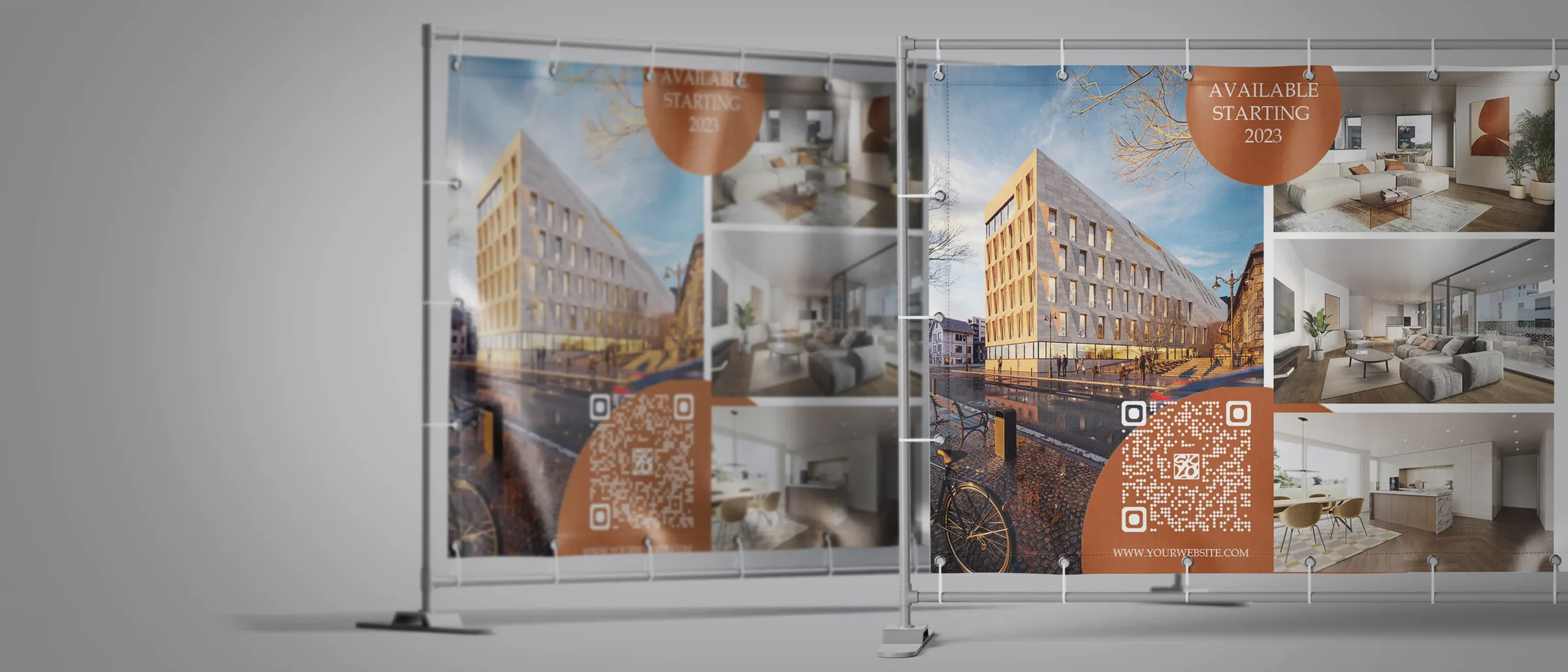
Marketing material
If the images go into branded material:
- Logo
- Fonts
- Brand colours
- Existing brochures or layouts
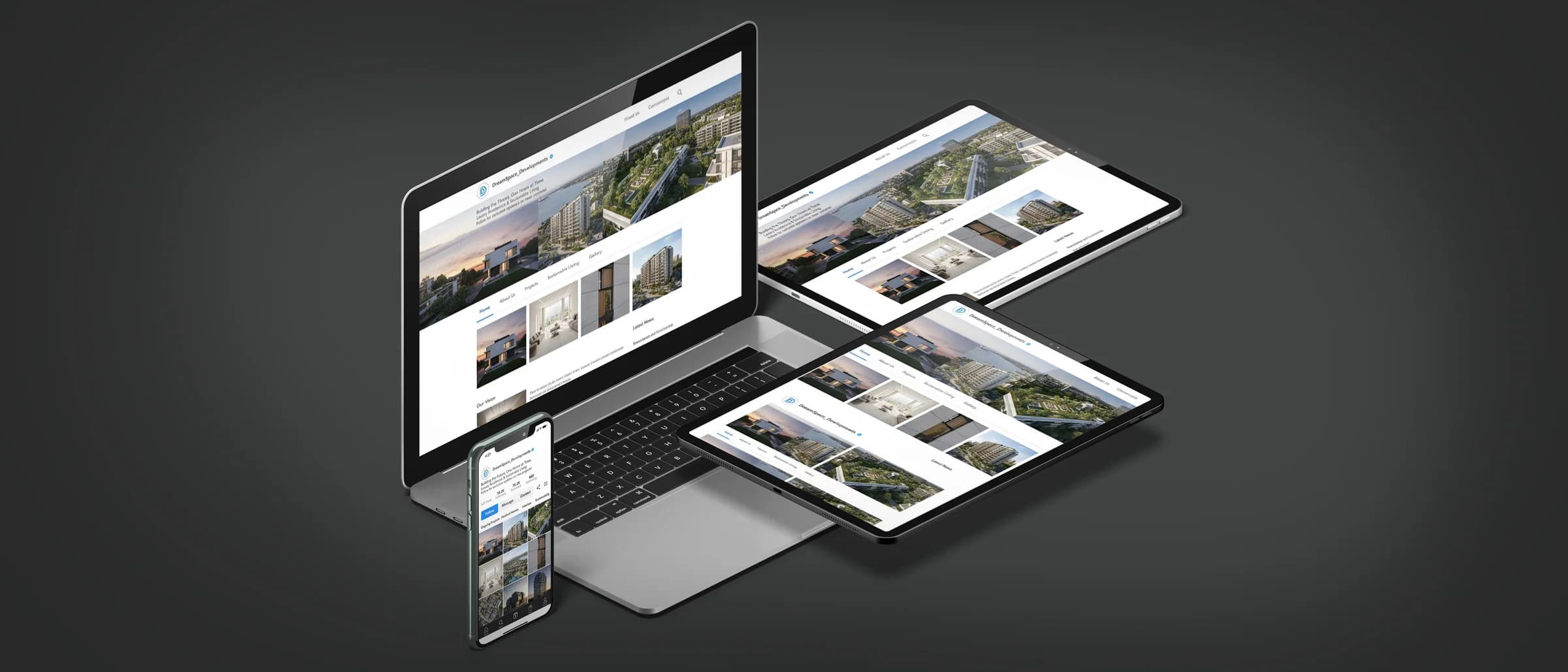
Optional. Needed when we design the brochure, the site banners or the project website for you.
- 06
Final output
What you need at the end:
- Number of images
- Resolution
- Aspect ratio, landscape or portrait
- File format
- Use: print, web, social media
Not sure yet? We deliver print and web sizes by default, and social cuts on request.
What happens next
From the first upload to the final images, in four steps.
- 01
We review what you sent
Within one working day we tell you what is enough and what is missing — usually nothing that stops a start.
- 02
Fixed quote and schedule
Scope, price and delivery date in writing, with the preview checkpoints marked.
- 03
Grey previews
Camera angles and composition for approval before any material or light is set.
- 04
Colour previews, then finals
Two rounds of revisions on the coloured preview, then the final images at full resolution.
Questions about the start
What if we only have a sketch?
Send it. For an early-stage project we work from a sketch and a site plan, build a massing model, and refine as the plans firm up — the first camera study often helps the design decisions.
How do we send large files?
Through the contact form, which takes up to 10 files of 200 MB each, or any transfer link — WeTransfer, Dropbox, a shared drive. Models and drawings stay in our project storage and are deleted on request after delivery.
Do you sign an NDA?
Yes, yours or ours, before any file is sent. Projects under NDA are never shown in our portfolio and never named.
Have the documents ready? The contact form takes plans, models and references up to 200 MB each.
Send your project